



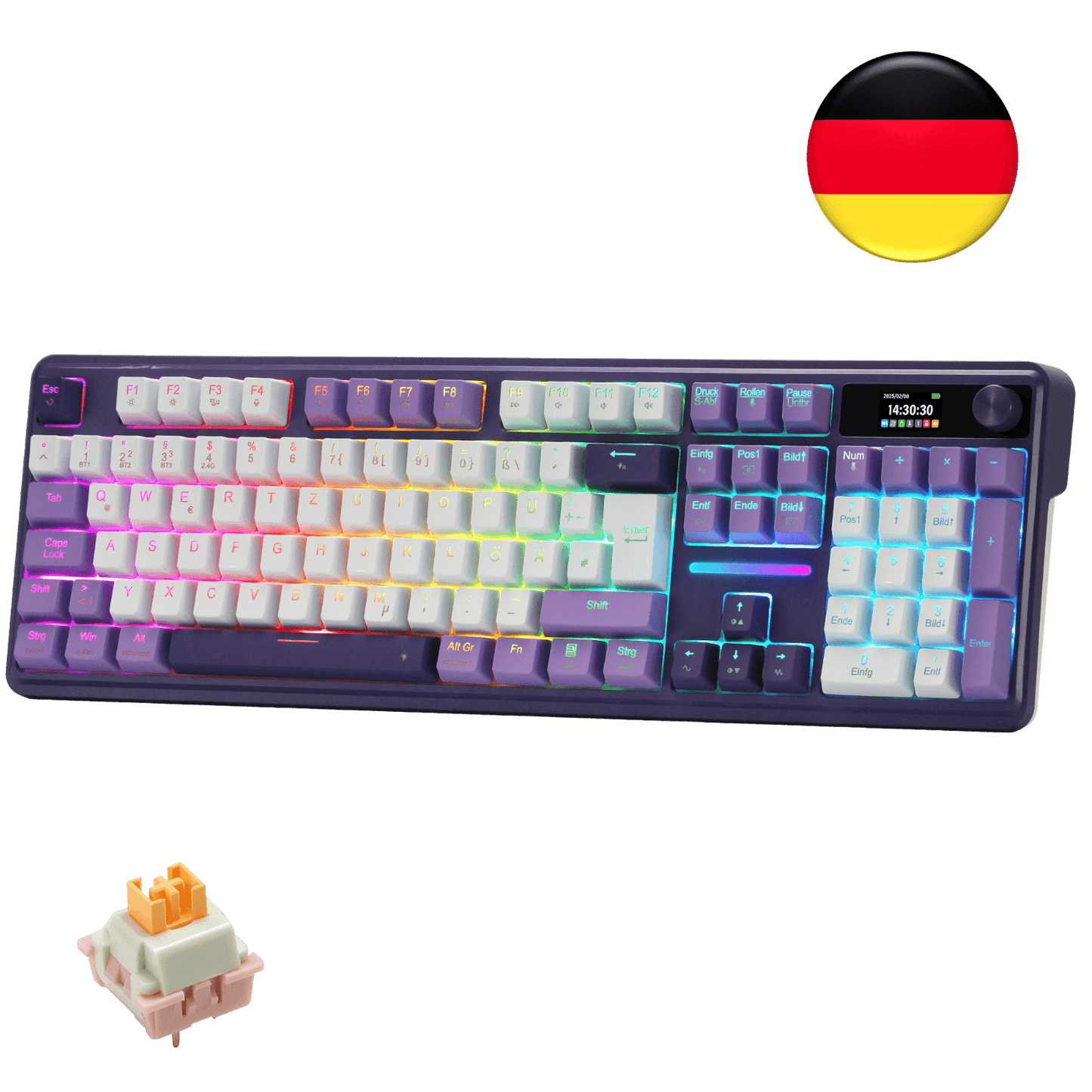
Effortless Win & Mac Switching
Seamlessly toggle between Windows and Mac systems with the convenience of the side button on the keyboard. Enjoy fluid transitions for enhanced productivity.

We'll take you to the best site for your location.



easy set up, took like 2 minutes to get the RGB the way I want it, it was so quiet I ended up swapping out to a more clicky switch, but that was pretty quick too, also incase you dont have the keyboard layout memorized, their RGB program, had a full layout picture.
Es cómodo de usar y muy genial, sería bueno que se apagará solo al apagar la PC, sin embargo es demasiado genial
I am 60 years old and my only complain is that the manual is printed in too small of a font for these old eyes to see. I was able to get this up and running in about 10 minutes. So far, after 2 whole days, I absolutely love it. I haven't gotten to play with the settings or adjust the time yet, so I cannot comment on if that is easy or not. So far, the keyboard is 5 out of 5. Don't hesitate to get one.
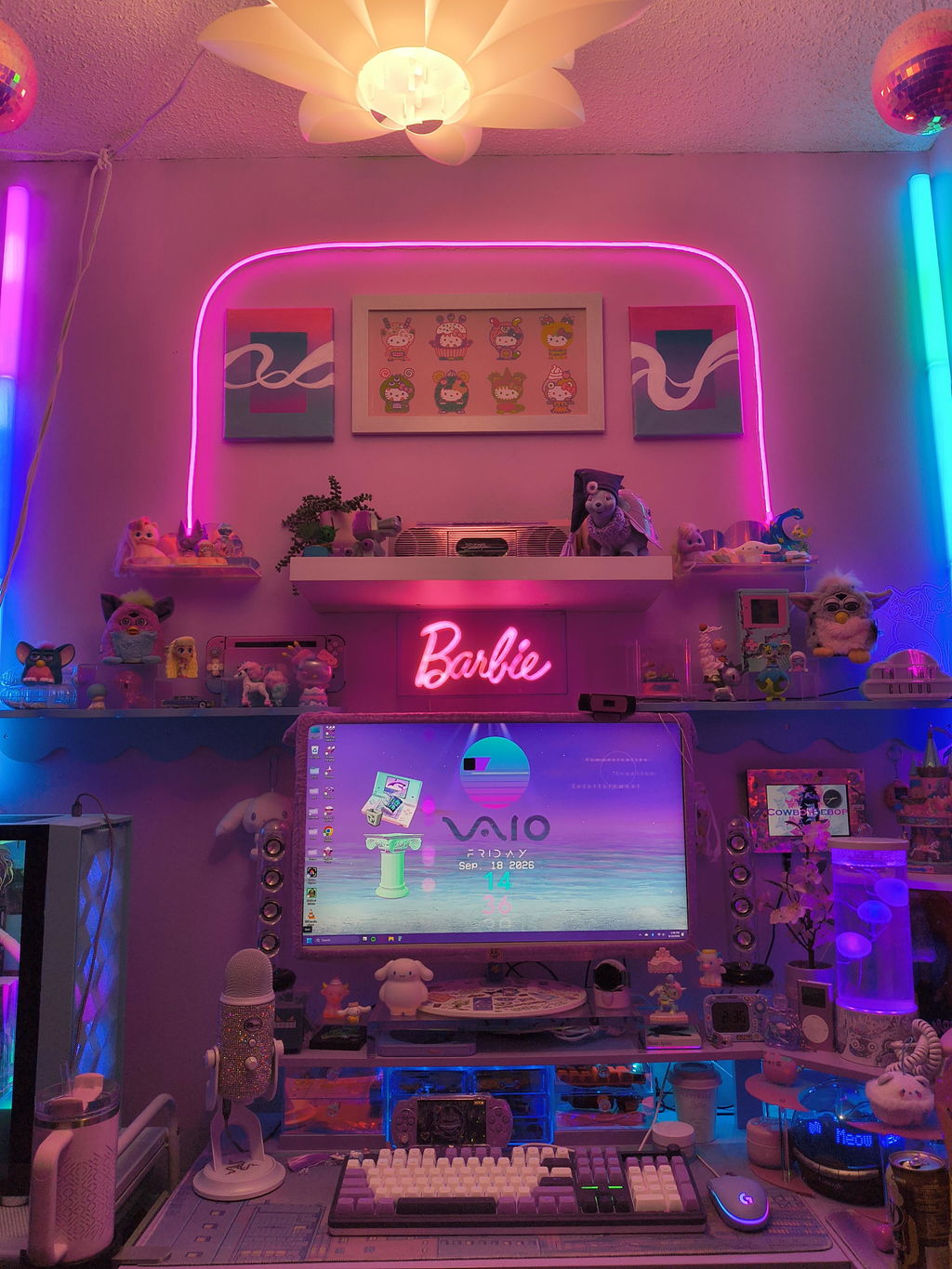
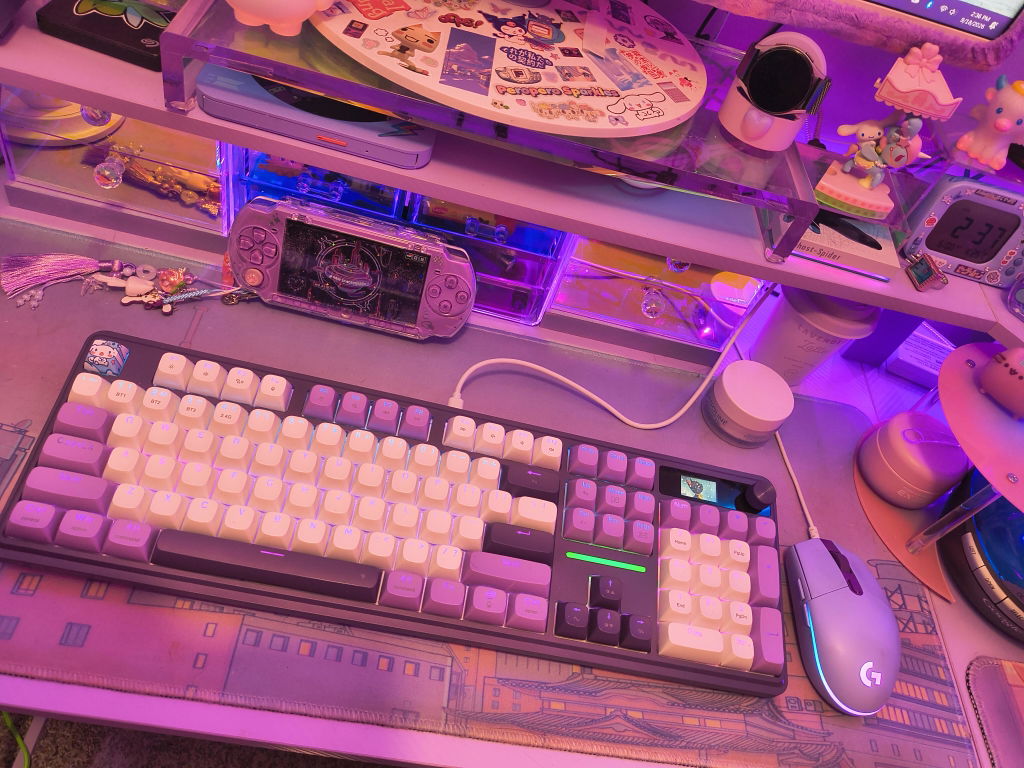
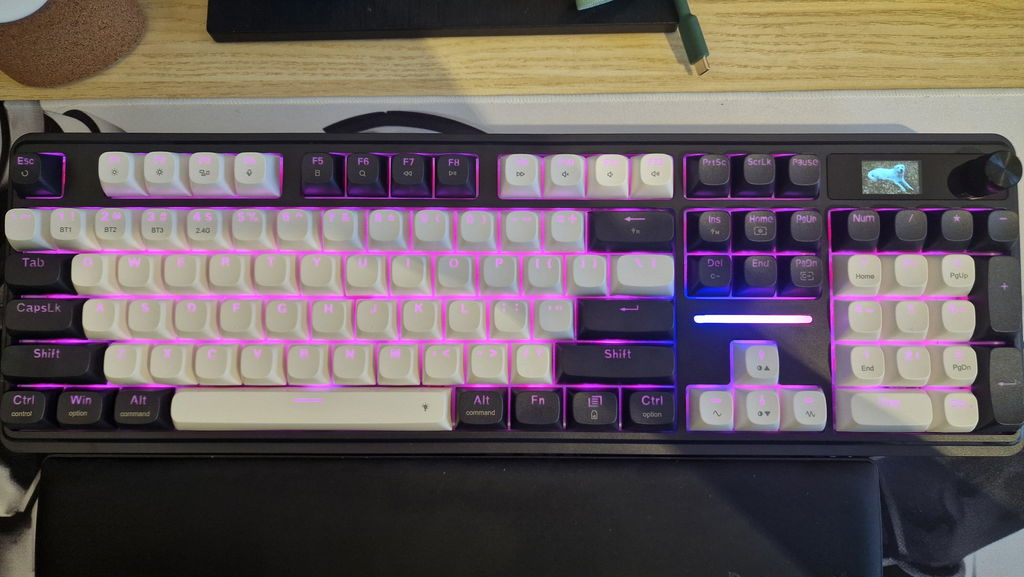
I went into Micro Center a few weeks ago to get a replacement keyboard for my Razor chroma black Widow V2 which I got back in 2016, I didn't have a whole lot of stipulations, but I did want something that had a 10 key, something that still had RGB lighting, and something mechanical so I can switch out the Caps down the line. I was also looking for something preferably white because I have a pastel setup but unfortunately Micro Center didn't have anything that that all of my preferences so I left empty-handed. Of all the keyboards that I looked at there was a redragon keyboard that caught my eye because it was purple, like most of my setup. Choosing a lilac setup has been a struggle because there isn't a lot of options for equipment in that specific color so you basically just take what you can get when you find it. Now if you were to compare what I had to this one the redragon keyboard lacks a lot of the customizability when it comes to the lighting when compared to the Black Widow chroma v2, but I can Overlook that based off of price point, and the features that this has that I really enjoy. I love the ability to use the Bluetooth option which occasionally frees up the USB if I need to do a file transfer from my phone, and I think that the ability to add a gift to the keyboard while super gimmicky is a fun feature and is primarily the reason I decided to go with this keyboard. Another feature that I lost with the switch is my customizable keys because the Black Widow had five or so blank keys that you could make do whatever you want, which I was just using as volume controls leaving the last options blank . I do not actually miss those keys at all because the dial option for turning the volume up and down is actually better. While I do game, i am perfectly happy with a mostly standard style keyboard as long as the key caps hold out. That gets me down to the only thing that I could really complain about with this keyboard based off of everything is that it doesn't have the most high quality key caps. I think the layout is super cute but I can feel little imperfections on the keys here and there especially on the sides. I am not knocking my rating on the keyboard because of that primarily because eventually I will probably be using more premium key caps on here. I liked it so much that I ended up ordering a second one just to use for my work computer. Also I do like things to match and both keyboards are in the same room. If I would give any feedback to the developers who designed the keyboard having some sort of LED strip around the edge of the exterior would have been a beautiful design choice and I'm not crazy about how hard it is to customize the little bar light that is above the arrow keys. I will also say that the lighting options when customizing the keyboard leave a lot to be desired most of the features that come standard as far as the lighting goes aren't very good. I especially didn't like the fact that for most of the built-in color option displays they only allow you to actually pick a single color . I ended up using the custom one where you can just select static colors for each key which is sufficient but I am used to having a rolling gradient and it will be a missed feature from my old keyboard
the keyboard switches sound great and responds fast. i was able to put a personal photo on the lcd screen which you can use to control the keyboard .