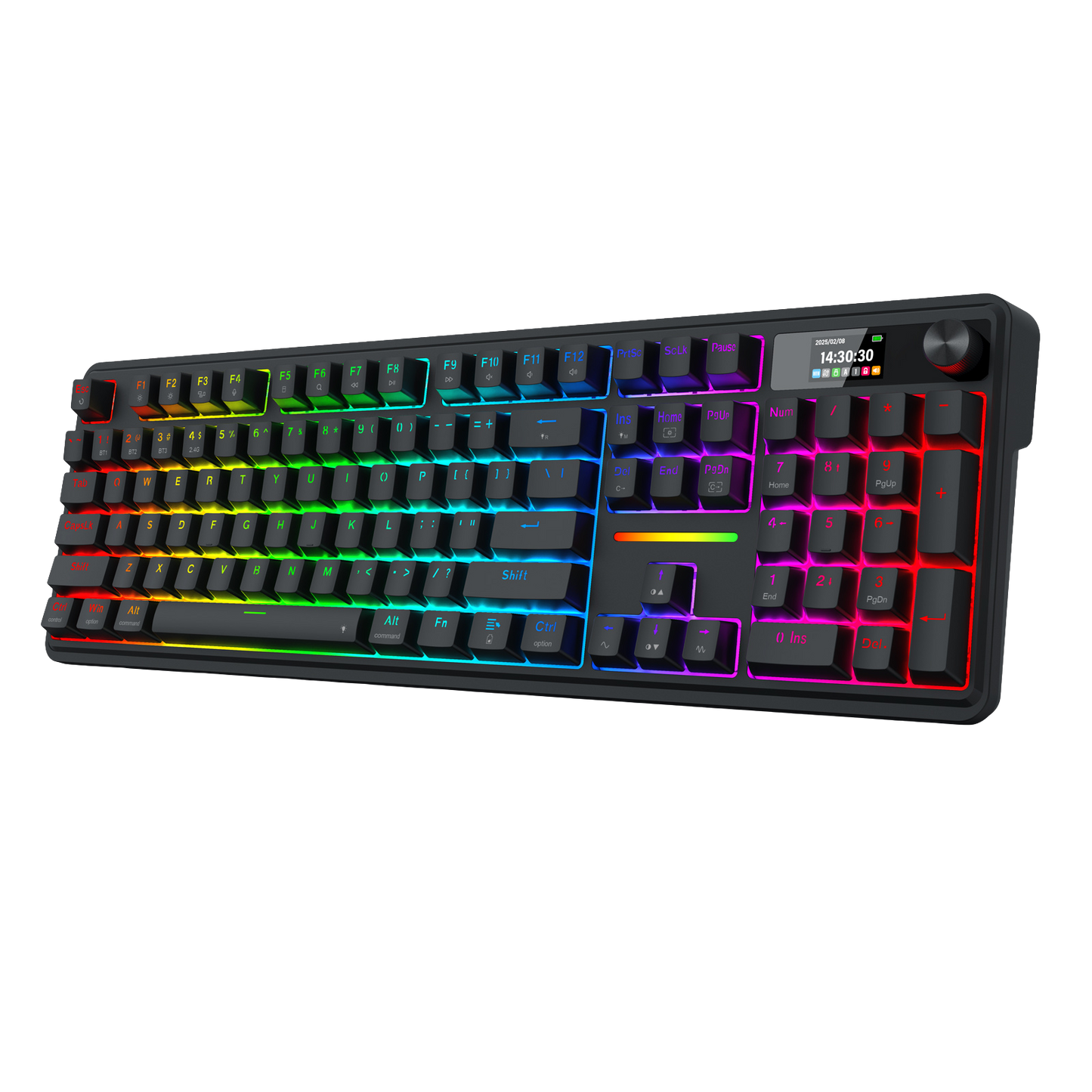
Smart Info-Island Screen
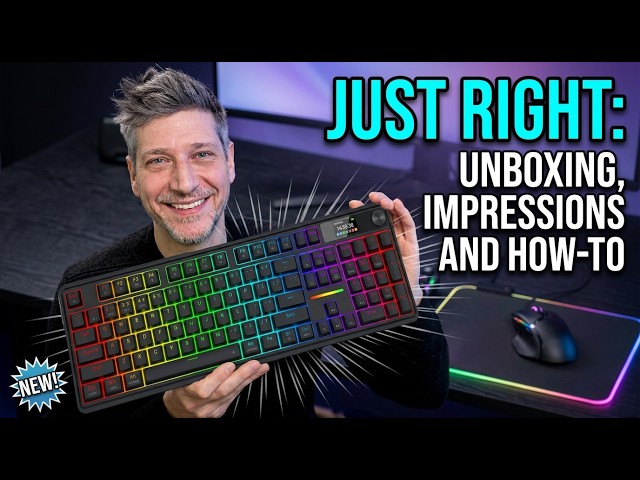
1.41 in info center TFT screen, gathering keyboard info, connection mode, battery level, typing status, unveiling everything you want to know, enjoy gif meme customized fun for the present mood
GASKET Design
The body structure differs from traditional screw fixing by using precision-locked covers with gaskets to assist with noise reduction and flexibility. It provides even feedback while the vertical cushioning reduces rigid noise, delivering a crisp, clean and softer typing feel
3-Mode Connection
Geared with Redragon advanced tri-mode connection technology, USB-C wired, BT 3.0/5.0 & 2.4Ghz wireless modes which make the user experience upgraded to another level in all fields
Custom Dragon Chant Switch
With thick-lubed custom linear switches combo with a gasket form factor, K762 features cushioned rich linear travel with silky creamy and cozy typing feedback. The brand new upgraded socket is nearly all switches(3/5 pins) compatible
Noise Dampening x 5
Equipped with 3.5mm PO foam, IXPE switch foam, PET sound pad, bottom socket foam, silicone bottom pad along with the silicone gasket. Significantly reduce the hollow noise, creating dampened and ultra-clean typing acoustics, making each keystroke satisfying and comfortable
ONE-Knob Control
Armed with a convenient easy access control knob, the keyboard backlight brightness and media (volume, play/pause, switch) are all in control with no hassle. Plus functionary with no extra keys or space to waste
Pro Software Supported
Expand your options using the available software to design your own new modes and effects found on redragonshop. Macros with different keybindings or shortcuts for more efficient work and gaming. The on-screen time will auto-sync with your PC's system time upon the software's initial launch

Reviews
Customer Reviews
I'm not a gamer, I'm a retired engineer turned writer. I like the feel of the keyboard, the soft clicky keys. I like the subtle lighting, and I like the reliability. I may modify the keys at some point in the future, but I'm going stock for now, except for the included red space bar. It works for me.
perfection
It’s got a very nice creamy clicky sound with per-key rgb. The screen on it is also actually useful, only downside of it is that loading a gif takes ages.
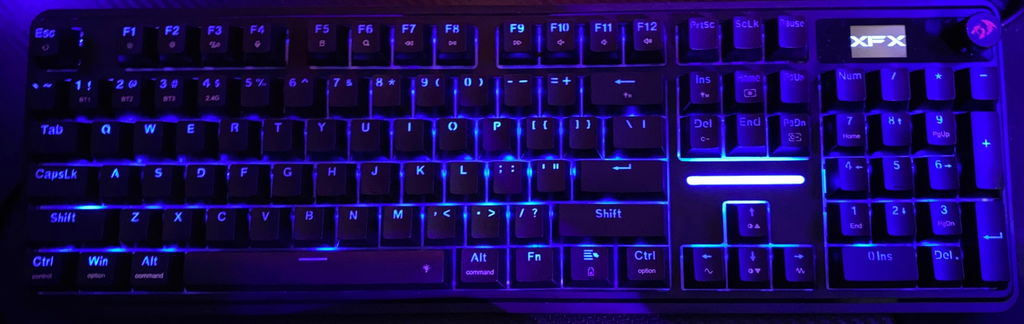
I got this as a gift for my husband. He says: Impressively quiet. Ergonomics is very good. Comfortable. Nice touch with the interchanging spacebar and extra keys. What a great gift.
For the record I was sent this keyboard for review: I get a LOT of keyboards for review, but the Terraflare is the first one to actually replace the keyboard I have been using for the last 4-5 years.
Here's why:
I have grown to love the "creamy" keyboard feel: Most of the new 'dragons have this, which is a positive. Seriously - they sound and feel nice.
Finally! Mac-friendly keycaps are standard. Most keyboards do have a Mac mode, but you need to shell out for some rediculously priced keycaps if you want them Mac-labeled (seriously, look them up): Control-Option and Command are all accounted for on this one. Windows keys are there as well if you use both OS's like I do.
Control dial is well thought out: The dial controls volume by default, as it should be. Press down once to set lighting effects etc, Press again (really the home) to set the display to either the clock or (customizable) gif animation.
Looks refined without being boring: You could get away with using it in the office, but has enough lighting options to look good at a LAN party as well.
All in all this keyboard provides a well rounded feature set combined with solid construction and classic good looks. The only thing I wish they would add is a Mac version of the keyboard software.